[Claude Code](https://code.claude.com/docs/en/overview) is Anthropic’s coding
agent. it can inspect a repository, change files, run commands, and use the
results to decide what to do next. you can work through a terminal, supported
editor, desktop app, or web session.
ironically, Anthropic's Claude Code feels the least personified to me out of
Claude Code, Codex, and Grok Bot. the agents i've seen tend to have names
describing their jobs: reviewer, infra engineer, things like that. Claude
Code supports [named agents](https://code.claude.com/docs/en/sub-agents);
the role focused presentation is what stands out in my own use.
### what happens after a prompt?
Anthropic describes an [agent loop](https://code.claude.com/docs/en/how-claude-code-works)
that gathers context, acts, and checks the result. the model chooses an action;
the harness supplies tools, manages context, and returns what happened. a
failed test becomes useful information for the next attempt.
for example, “fix the empty search result” might involve finding the search
handler, reproducing the failure, changing the code, and running the relevant
test. those steps can all follow from one prompt. the finish line still needs
to be concrete: an empty result should render a useful message, and an ordinary
search should keep working.
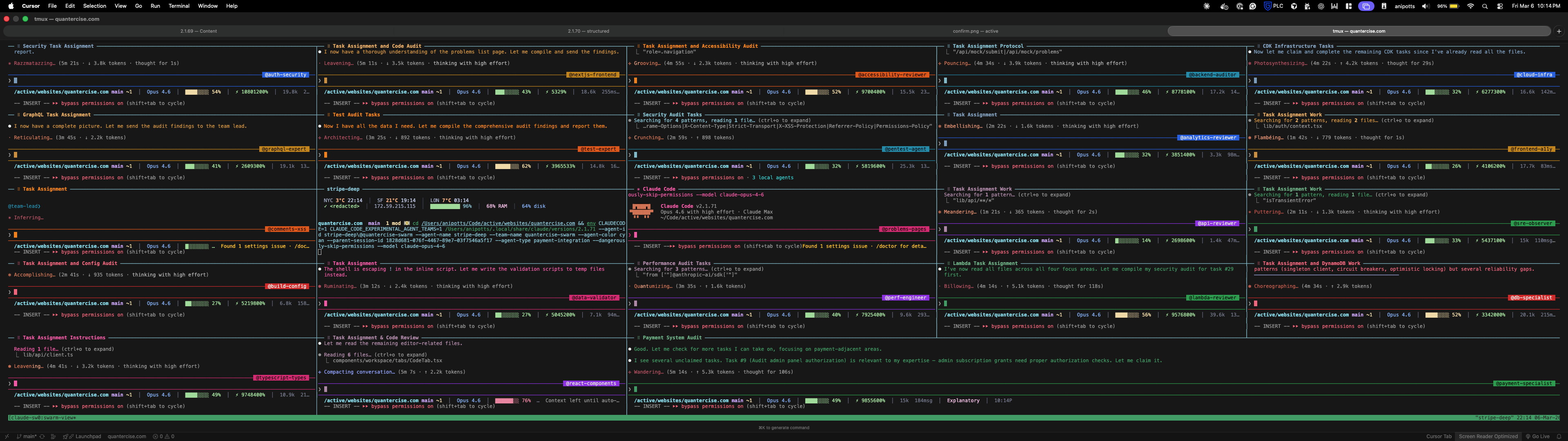
### who's running twenty agents?
sometimes you'll see people doing this.
i did this for a TikTok and went through my five hour usage window in 15 minutes.
## where does the work run?
### terminal, editor, and desktop
the [terminal and editor integrations](https://code.claude.com/docs/en/platforms)
keep Claude close to an existing development environment. selected code and
editor diagnostics can help locate a problem; shell output and the final diff
show what happened after it was located.
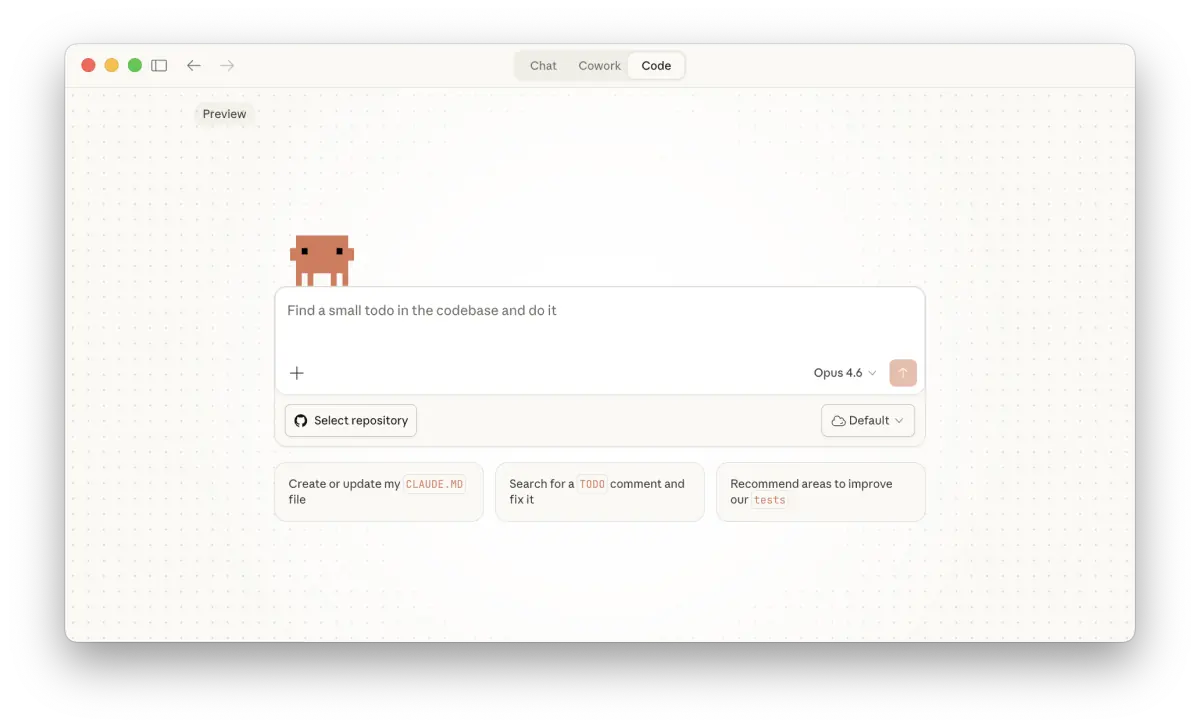
the [desktop app](https://code.claude.com/docs/en/desktop) adds a visual place
for sessions, diffs, previews, and parallel work. a worktree gives a session
its own checkout. two sessions that own different worktrees can still produce
conflicting changes when their branches are combined, so file ownership and a
final integration pass matter.
choose the interface that makes your next decision easy to inspect. a CSS
change needs a rendered page; a parser change needs representative inputs and
outputs. either can also need a code review.
### web and Remote Control
[web sessions](https://code.claude.com/docs/en/claude-code-on-the-web), currently
a research preview, run in a cloud environment. [Remote Control](https://code.claude.com/docs/en/remote-control)
lets a browser or phone steer Claude Code running on your machine. local tools,
files, and configuration stay with that machine, and the local process needs
to remain available for work to continue there.
picture a bug that only reproduces with your local development database. Remote
Control can let you check on that investigation from your phone. a cloud task
needs its own reproducible environment and access to the relevant data. choose
the execution environment before choosing the screen you want to use.
## what can i add or control?
Claude Code’s [extension system](https://code.claude.com/docs/en/features-overview)
gives different jobs to instructions, skills, tools, and events:
| the task needs | the relevant piece |
| --- | --- |
| repository conventions and durable context | `CLAUDE.md` and scoped rules |
| a repeatable procedure | a skill |
| access to an external system | MCP tools and resources |
| a separate investigation | a subagent with a defined task |
| code to run at a lifecycle event | a hook |
| related extensions to travel together | a plugin |
these pieces can compose. a repository instruction can point to a review skill;
that skill can use an issue tracker connection and delegate an investigation.
keep each piece small enough to explain what it contributes. adding a second
place for the same rule gives you a second place to keep it current.
[permissions](https://code.claude.com/docs/en/permissions) control whether tool
actions proceed. the [Bash sandbox](https://code.claude.com/docs/en/sandboxing)
constrains filesystem and network access for commands inside it. the account
behind an external tool adds another boundary: a service can only grant the
access that identity has.
## what should i get back?
### it says it’s done. now what?
a useful session returns the change, the checks it ran, and whatever is still
uncertain. “tests pass” needs the command and result behind it. a screenshot
needs the route and state it shows. a proposed fix needs the behavior it is
supposed to change.
for parallel work, add the checkout and owner. for work that moves between
machines, add the environment and any state that stayed behind. these details
make it possible to resume a task without guessing what the previous session
meant by “done.”
### Cowork
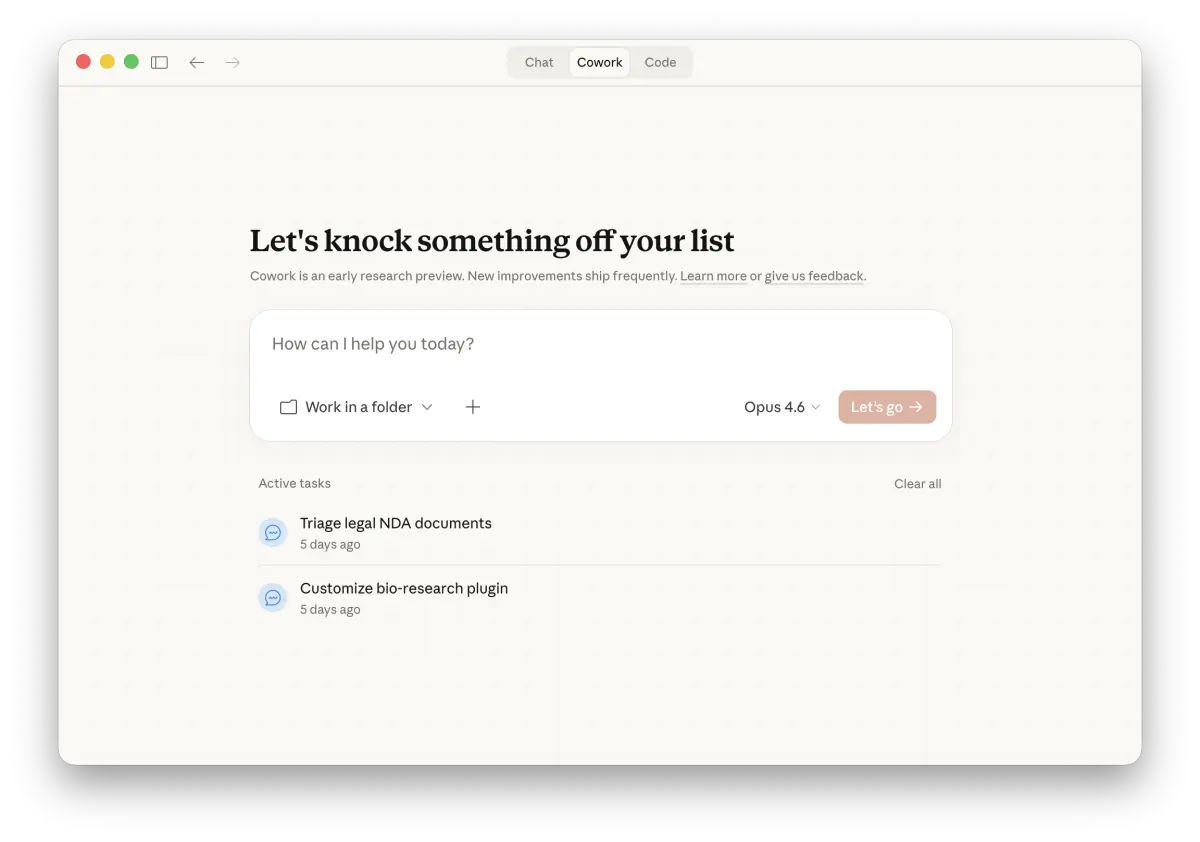
[Cowork](https://support.claude.com/en/articles/13345190-get-started-with-claude-cowork)
extends Claude into broader files and deliverables. an engineering task fits
Claude Code when its output belongs in a repository and needs the project’s
verification. a document or a collection of organized files has its own review
criteria. name the output first, then pick the workflow around it.
the [configuration guide](/guides/claude-code/configuration/#where-does-this-setting-go)
shows where to put personal settings and shared project instructions.
for a workflow you repeat, the [extensions example](/guides/claude-code/extensions/#a-project-to-try-this-in)
builds a project skill and checks it against a real command.